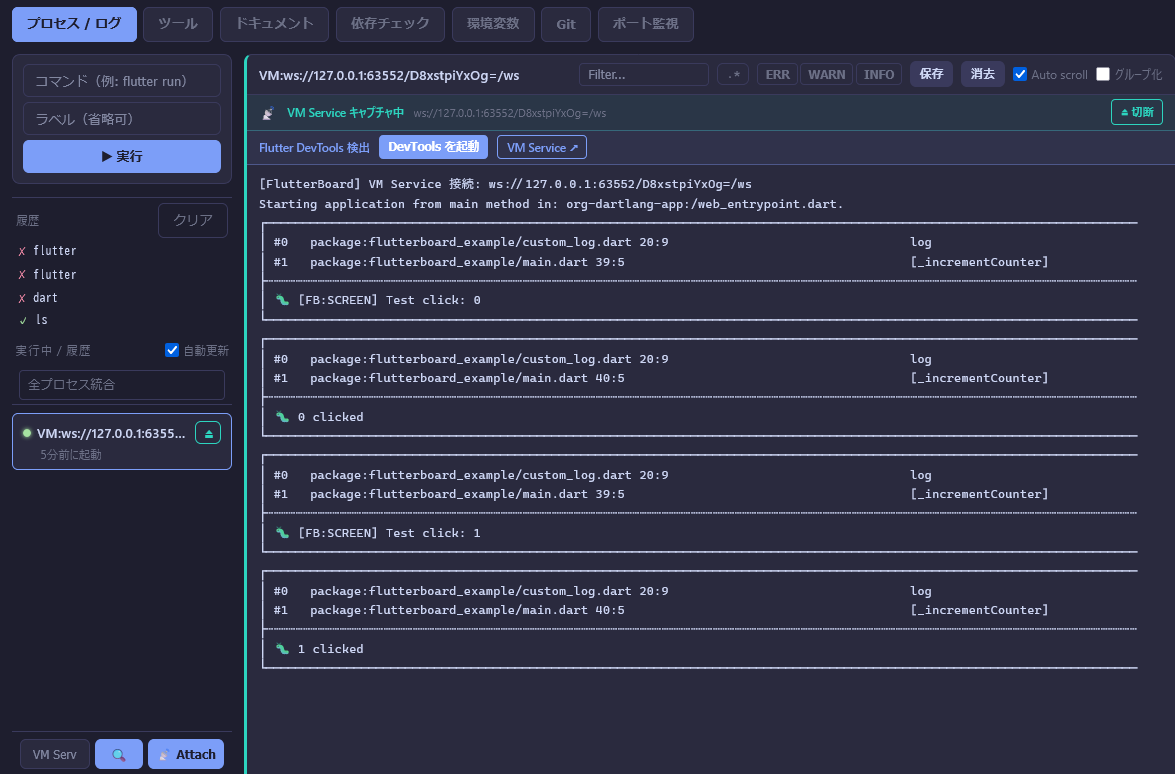
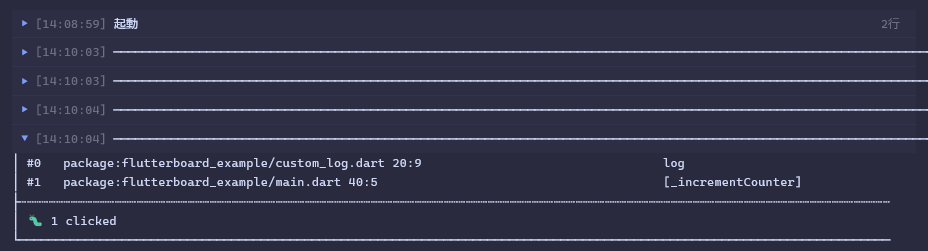
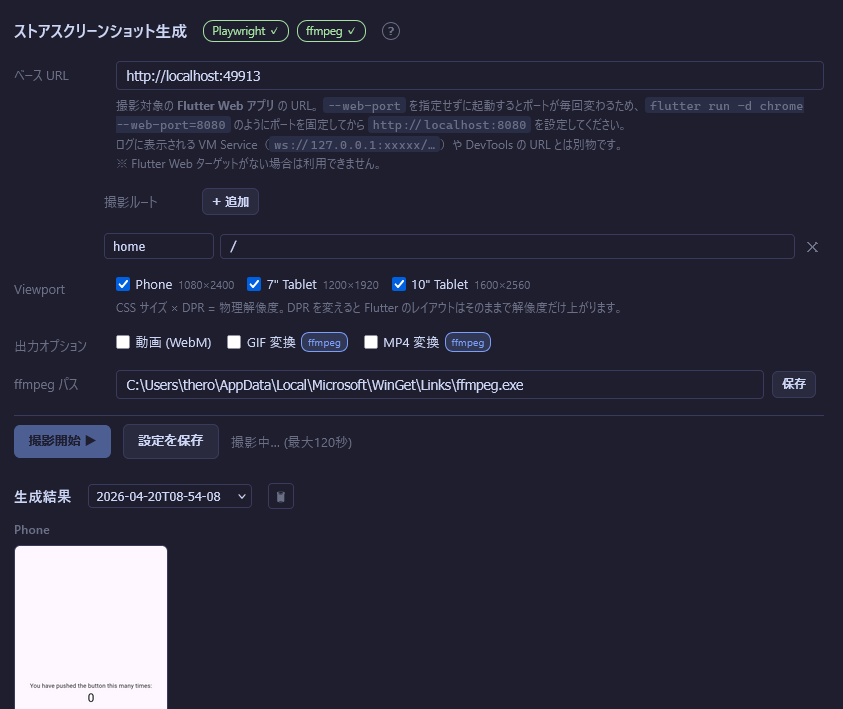
VM Serviceに接続する方法が、リアルタイムで見る方法では安定です。 Flutterのdeveloper.logなんかは出力先が特殊で、通常のプロンプトで取得出来ないため、これを取得するにはVSCodeのコンソールで見るか、対応したターミナルでないと駄目なのでこれを経由させる必要があったんですね。
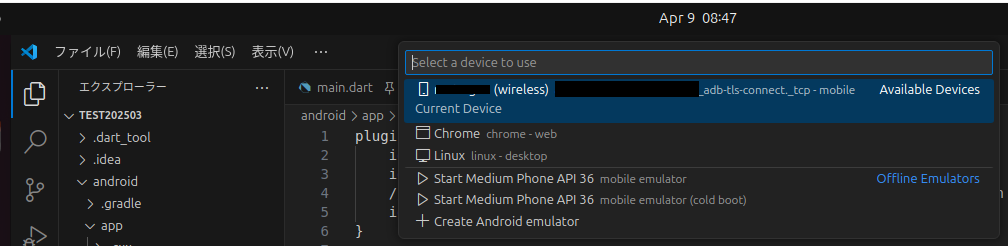
早速VSCodeで起動させます。
Launching lib\main.dart on Chrome in debug mode...
Debug service listening on ws://127.0.0.1:63552/D8xstpiYxOg=/ws
A Dart VM Service on Chrome is available at: http://127.0.0.1:63552/D8xstpiYxOg=
The Flutter DevTools debugger and profiler on Chrome is available at: http://127.0.0.1:9100?uri=ws://127.0.0.1:63552/D8xstpiYxOg=/ws
Connecting to VM Service at ws://127.0.0.1:63552/D8xstpiYxOg=/ws
Connected to the VM Service.
Starting application from main method in: org-dartlang-app:/web_entrypoint.dart.
VSCodeだと起動時にこんな感じでログが出ますので、VM Service atのws:以降をコピーします。
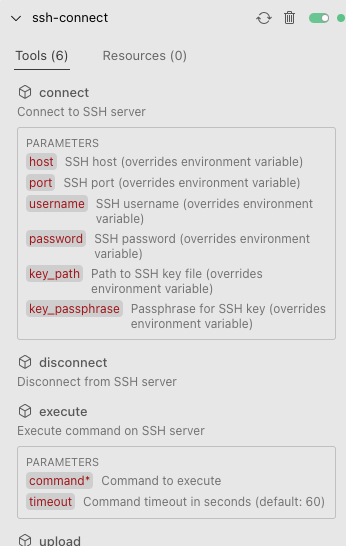
The user wants to establish an SSH connection. Based on the environment details, I can see that we're in a directory that appears to be an SSH connection tool for MCP (Model Context Protocol). The directory structure shows files like server.py in the src/ssh_connect/ directory and an example file ssh_example.py in the examples/ directory. I should first understand what this SSH connection tool does and how to use it. Let me examine some of the key files to understand how to proceed. First, let's look at the README.md file to get an overview of the project
User:SSH接続して。設定は環境変数から取得して。 Assistant: Successfully connected to the SSH server at 192.168.1.35 on port 22 with username lanuser. The connection is now established and ready for use. Is there anything specific you'd like me to do with this SSH connection? For example, I can:
Execute commands on the remote system List files in a directory Upload or download files Take notes about what we find